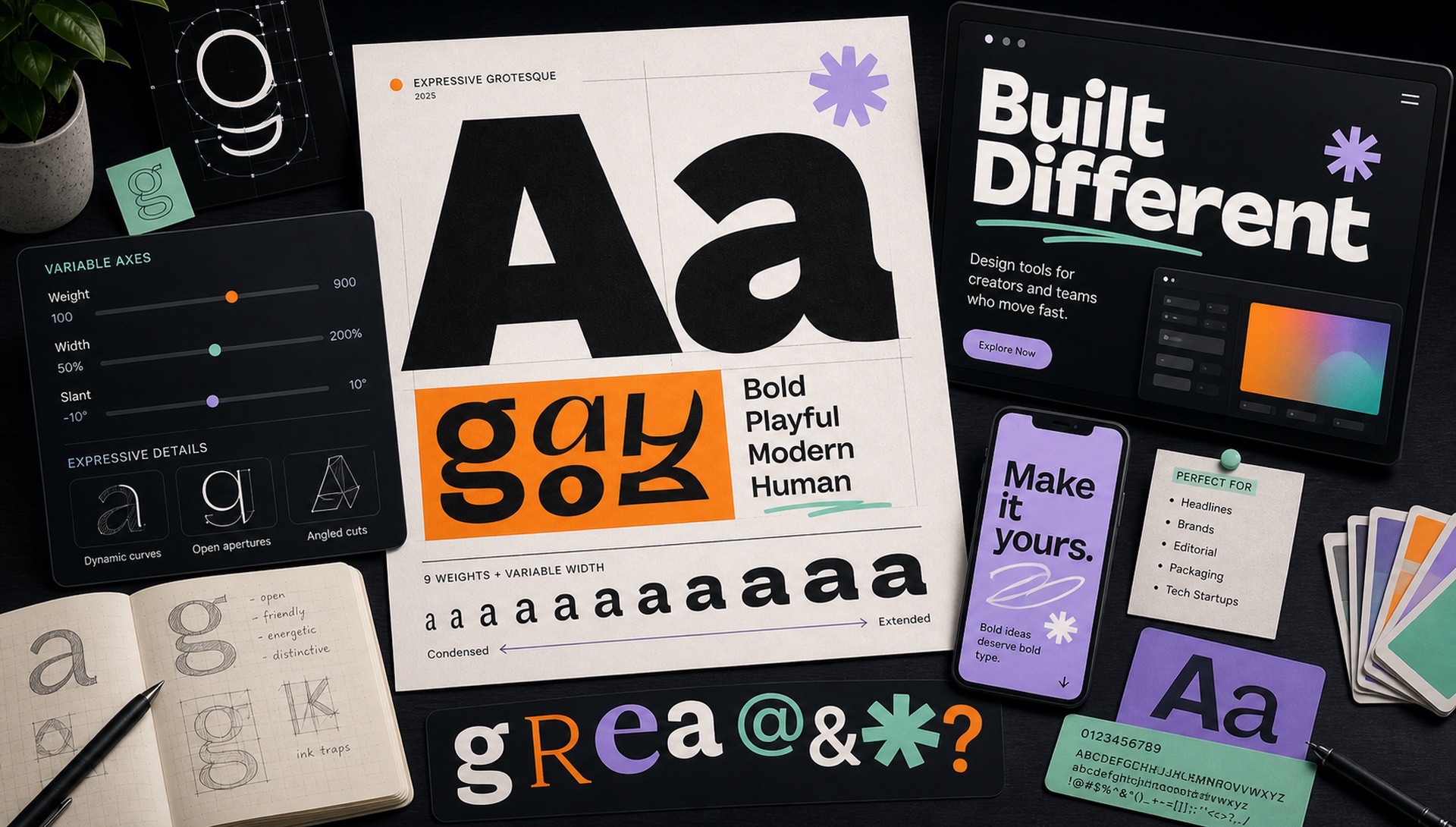
If you've visited ten SaaS landing pages in the last year, you've almost certainly seen Bricolage Grotesque — probably in an enormous headline, probably in Extra Bold, probably in a dark-to-light gradient. Here's why this variable grotesque took over the design world so quickly.
What Is Bricolage Grotesque?
Bricolage Grotesque is a variable display typeface designed by Mathieu Triay, released on Google Fonts in 2022. "Bricolage" is a French word meaning improvisation — DIY creativity from whatever materials are available. The typeface embodies this with its deliberately wide, expressive proportions that feel both designed and slightly imperfect.
The Technical Specs
- Variable axes: Weight (200-800) + Width (75-100)
- File format: Variable TTF (single file covers everything)
- Character set: Latin, basic punctuation, numbers
- License: OFL (completely free, including commercial use)
- Available: Google Fonts (free download)
Why Designers Love It
The width axis. Most variable grotesques only vary weight. Bricolage also varies width — meaning a single font file can create both a wide, open headline and a condensed, tight subheading. This versatility makes it ideal for responsive design systems.
The personality. Bricolage sits in a sweet spot between "generic neutral grotesque" (Inter, DM Sans) and "aggressively quirky display font." It's distinctive without being alienating — different enough to be memorable, restrained enough to not distract from content.
The size range. Bricolage was specifically designed for large display sizes. At 80px in Extra Bold, it's exceptional. Most grotesques feel flat or generic at this size; Bricolage feels designed for it.
Best Pairings
- Bricolage Grotesque (display) + Inter (body) — the SaaS standard
- Bricolage Grotesque (display) + Lora (body) — for editorial-feeling brands
- Bricolage Grotesque (display) + DM Sans (UI) — if you want a warmer sans for body text
Setting It Properly
Most disappointing Bricolage headlines come from using it at default settings. Three adjustments do most of the work:
- Tighten the tracking. Display type set at default letter-spacing looks loose at large sizes. Around minus 0.02em at 60px and above closes the gaps without cramping the letters.
- Use the width axis deliberately. The default width is not automatically right for your layout. Narrowing toward 85 lets a long headline hold a bigger size on mobile; widening toward 100 gives a short headline presence it would not otherwise have.
- Do not go to the maximum weight by reflex. Weight 800 at 96px is very heavy. Something around 650 to 700 frequently reads as more confident, because the counters stay open and the word shape stays legible at a glance.
The Saturation Problem
The honest case against Bricolage is not about the typeface. It is that a font chosen specifically to feel distinctive stops being distinctive once a whole category adopts it. A visitor who has seen the same wide extra-bold grotesque on twenty landing pages this year reads it as a template, whatever your product does.
This is a predictable lifecycle. Gotham went through it, Circular went through it, and Bricolage is somewhere in the middle of it now. It does not mean the font is spent — it means the font no longer does differentiation work on its own, and you should not expect it to.
If you want the same qualities with less company: Cabinet Grotesk offers similar expressiveness in a more condensed frame, Syne is stranger and more memorable at display sizes, and Familjen Grotesk covers comparable territory with far fewer sightings. Any of the three will read as considered rather than defaulted.
When NOT to Use It
Bricolage is a display font, not a text font. Don't use it at body text sizes (under 24px) — it's not optimised for small-size rendering. For paragraph text, use Inter, DM Sans, or another humanist sans.
Two further limits are worth checking before you commit. The character set covers Latin, basic punctuation and numerals, so a brand that needs Cyrillic, Greek or Arabic will need a second family and an inconsistent identity across regions. And there is no true italic — browsers will synthesise a slant by shearing the glyphs, which is visibly cruder than a drawn italic and shows badly at large sizes. If your design depends on emphasis within headlines, test that specific case early.
Curious whether a headline you have seen is Bricolage or one of its relatives? Upload a screenshot to FontFinder and crop tightly around a few letters — the wide proportions and distinctive g make it one of the more identifiable display faces in current use.